Article
Concept maps: how to show the way ideas connect
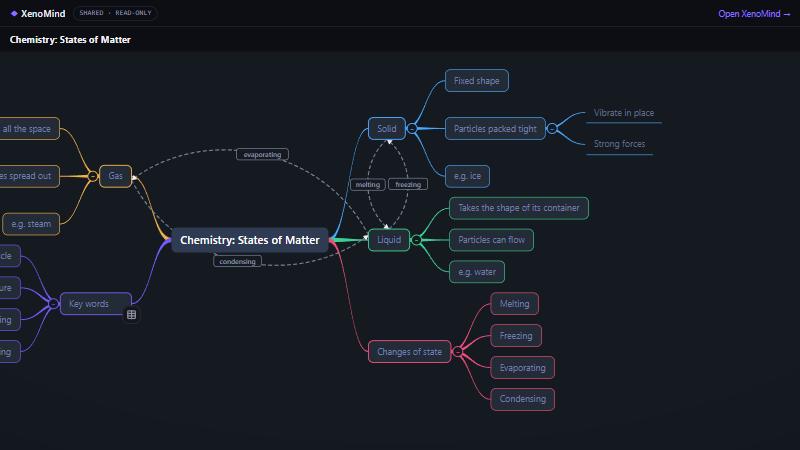
Image: "Social network diagram - spokes" by IN 30 MINUTES Guides, licensed CC BY 2.0.
A concept map links ideas with labelled arrows to show how they relate - causes, effects and everything in between. Here is how, and when, to use one.
What is a concept map?
A concept map is a diagram that joins ideas with labelled arrows - "causes", "leads to", "is part of". Unlike a mind map, which branches out from one centre, a concept map can connect anything to anything, so it is the right tool when the relationships matter as much as the ideas.
When to use one
- Explaining a system where everything links together - a food chain, an economy, a water cycle.
- Showing cause and effect across several ideas at once.
- Checking understanding - ask pupils to connect the ideas and label why.
How to make a concept map in XenoMind
- Add your ideas as nodes. Place the key concepts anywhere on the canvas.
- Connect them. Draw a connection from one node to another and give it a label that says how they relate.
- Let it arrange itself. When AI builds a concept map it lays it out for you, and the Arrange button tidies a busy canvas any time.
- Colour and group related ideas so the structure reads clearly.
- Share the link so others can follow the connections, not just the words.
If you are not sure whether you need a mind map or a concept map, start with a mind map and connect branches as the relationships appear.
Try XenoMind free
Mind maps, flowcharts and spreadsheets, all in one place. Apply for access and start building today.
Apply for free access See how it works